
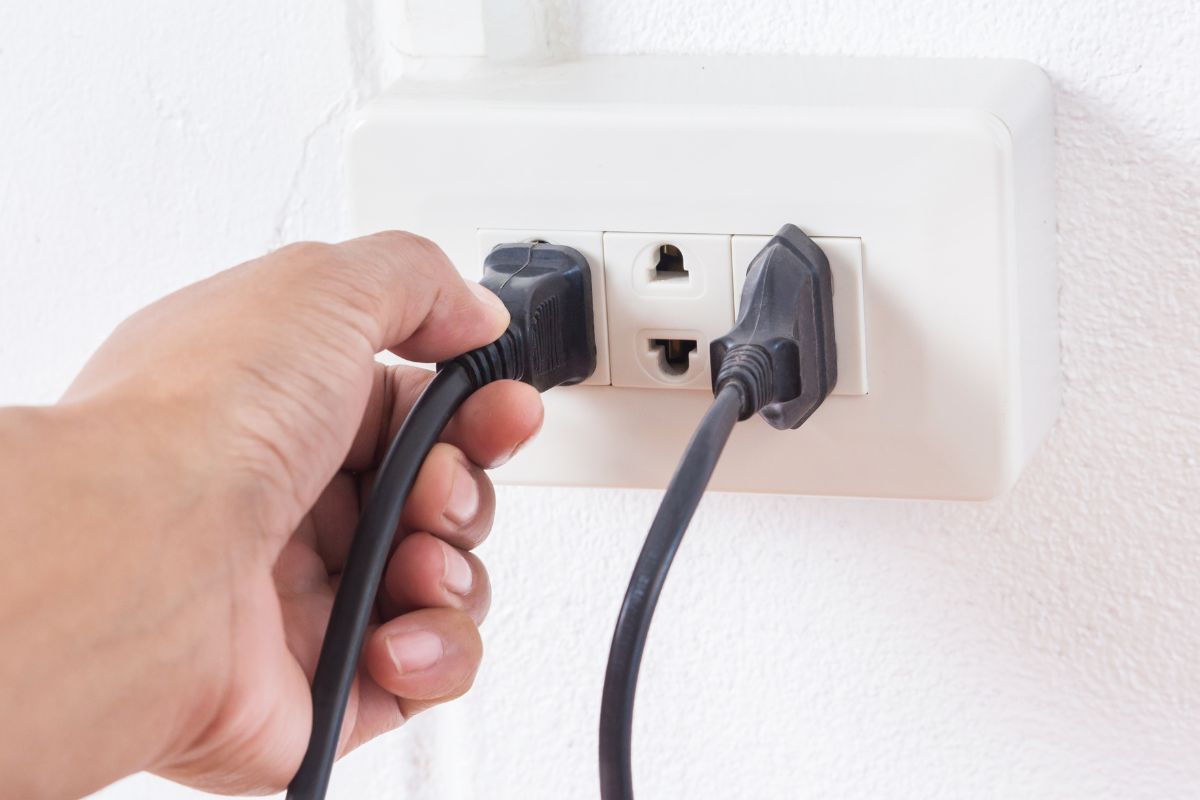
20 Devices You Should Unplug to Lower Your Electric Bill
Cutting down on your electric bill can be as simple as unplugging specific devices when they’re not in use. Many electronics still draw power even when they are switched off, a situation commonly referred to as “phantom” or “vampire” energy consumption.
By recognizing these energy-sapping devices, you can make substantial savings on your electricity costs. Below is a list of 20 items you might want to unplug to help lower your energy expenses.
Microwave Ovens
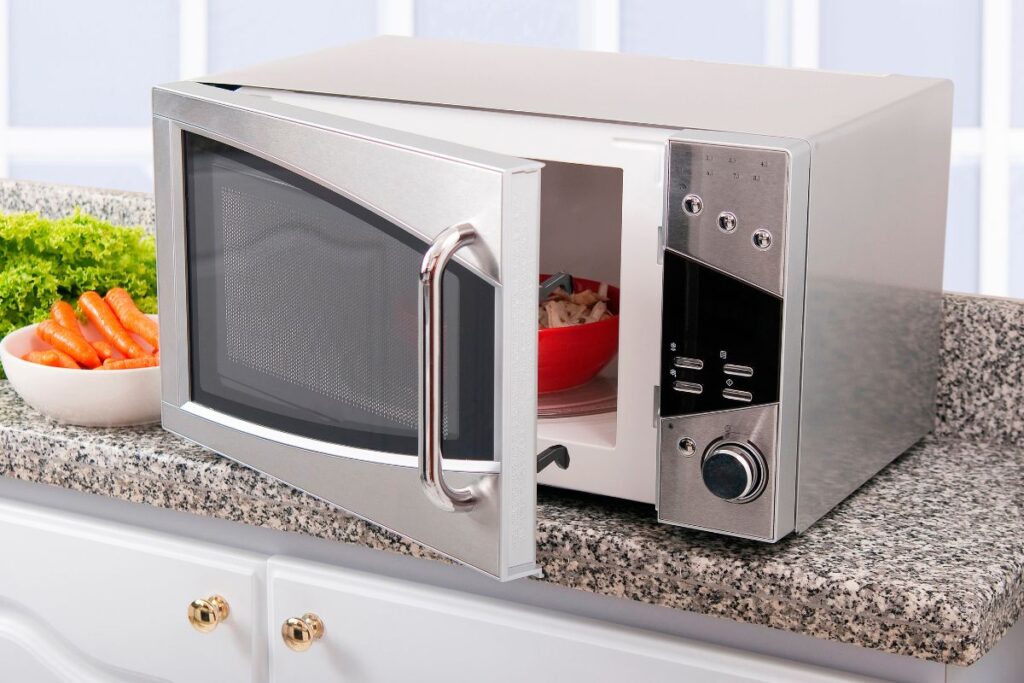
Microwaves often feature digital displays and timers that continue to use electricity even when they aren’t actively cooking. While the energy consumption might seem minimal, it can accumulate over time. Disconnecting your microwave when it’s not in use can help curb unnecessary energy expenditure.
Coffee Makers

Coffee makers typically have integrated clocks and timers that keep drawing power even when they aren’t brewing. Unplugging your coffee maker after each use is an easy way to save energy. For added convenience, think about using a power strip with a timer for this appliance.
Electric Blankets
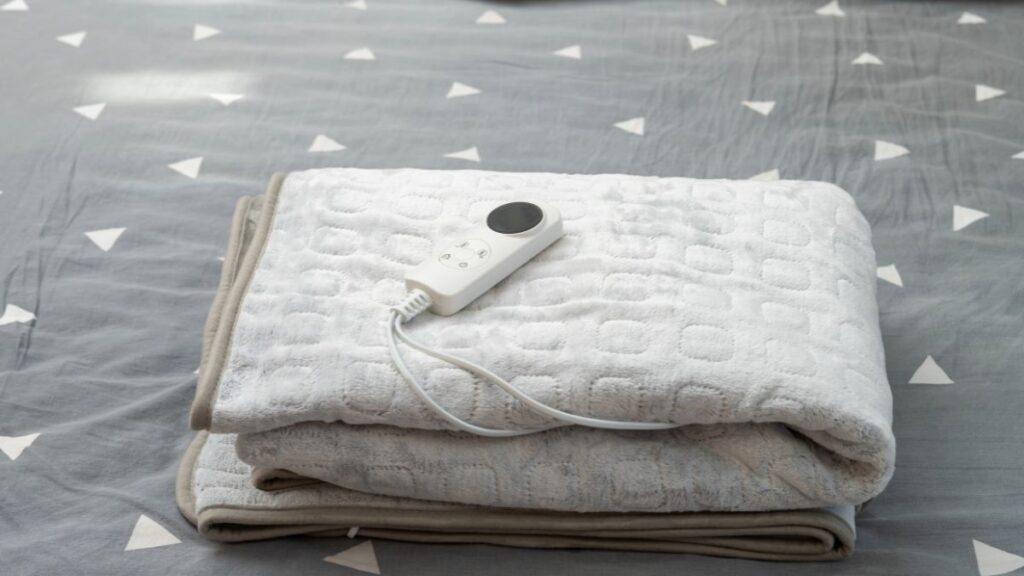
Electric blankets can consume more power than you might think if left plugged in continuously. Unplugging them when not in use can lead to savings on your energy bill. Additionally, using a timer to ensure they work only when needed can boost energy efficiency.
Electric Toothbrush Chargers
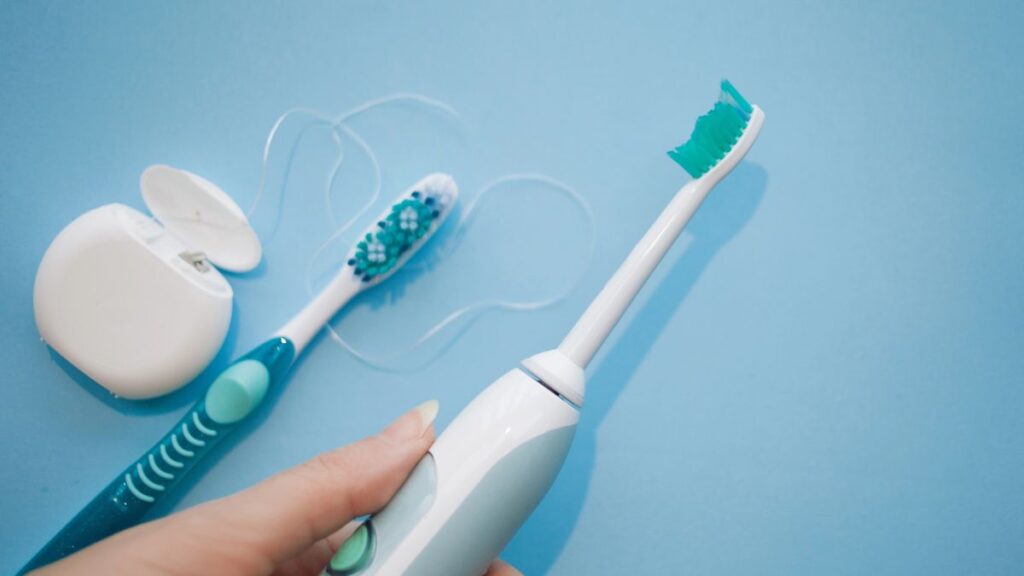
Electric toothbrush chargers often remain plugged in, using energy even when the toothbrush is fully charged. To reduce energy waste, unplug the charger after use. Alternatively, fully charge your toothbrush and then disconnect it until it needs another charge.
Hair Dryers

Though hair dryers are usually not plugged in for extended periods, making it a routine to unplug them after each use can help avoid unnecessary energy consumption. This small step contributes to overall savings.
Electric Razors

Electric razors and their chargers can consume power if left connected. To minimize your energy usage, unplug them when they are not in use. Keeping these devices unplugged until they need charging can enhance energy efficiency.
Phone Chargers
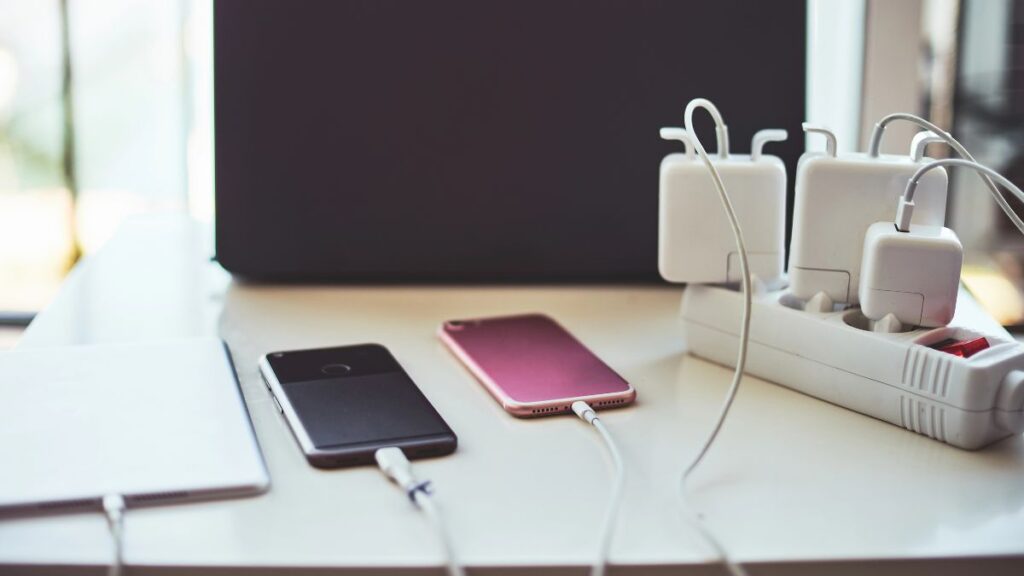
Phone chargers continue to draw a small amount of electricity even when they aren’t connected to a device. Unplugging your charger when it’s not in use can help conserve energy. These small savings can add up over time.
Cordless Phone Chargers
Cordless phone bases tend to draw power continuously to maintain their connection and charge the phone. Unplugging the base when it’s not in use can help reduce your energy costs. Grouping these devices on a single power strip can provide added convenience.
Toasters
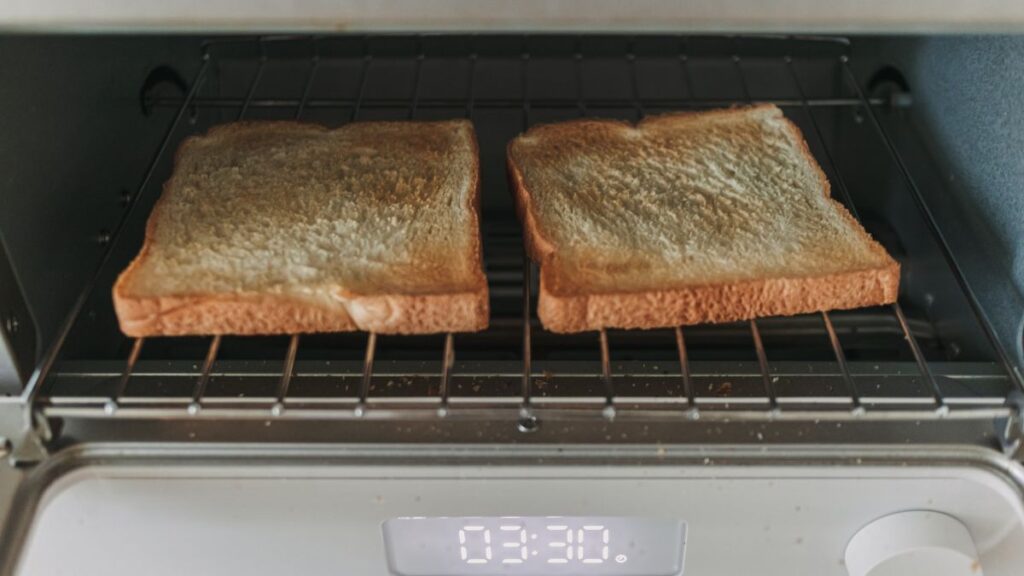
Toasters and toaster ovens can also consume energy if left plugged in. Unplugging them after use can help lower daily energy consumption. If you use them often, consider a smart plug with scheduling features.
Printers and Scanners
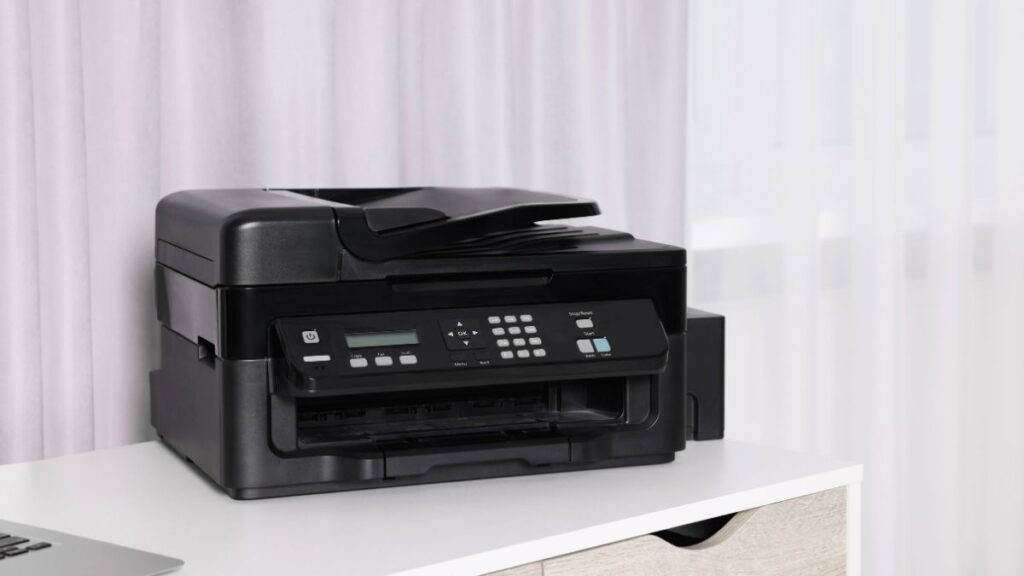
Printers and scanners frequently remain in standby mode, ready for action, which can lead to wasted energy. Unplugging these devices or using a smart power strip can help reduce your overall electricity usage.
Desktop Computers
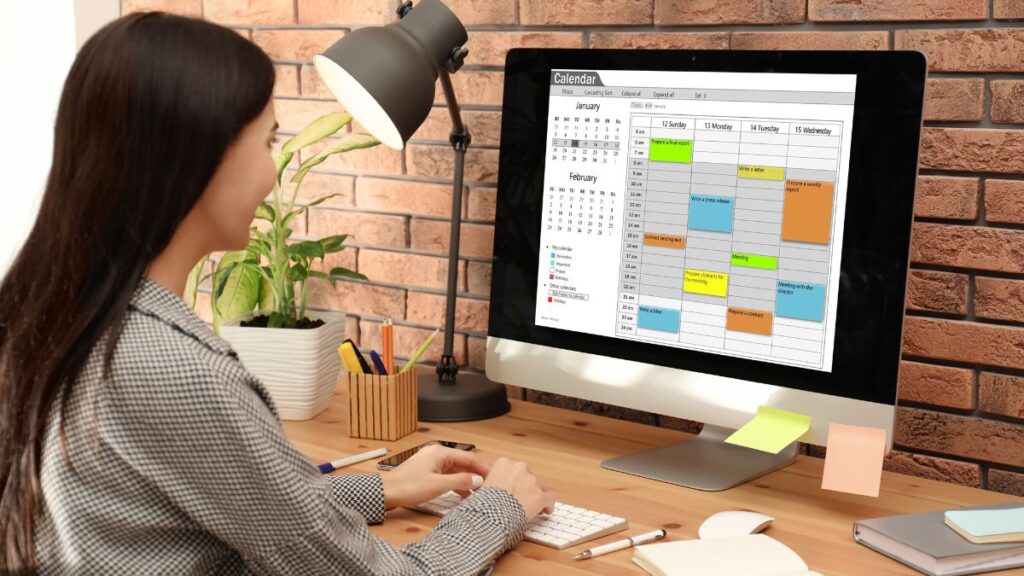
Even when turned off, desktop computers and monitors can still draw power. To eliminate this phantom load, unplug these devices when they’re not in use. Alternatively, you can connect them to a power strip and switch it off at the end of the day.
Laptops

Laptop chargers can consume energy when plugged in but not actively charging. Unplugging your laptop charger when it’s idle can prevent phantom energy loss. Using a power strip for all your devices can simplify this process.
T.V.

Modern televisions often stay in standby mode, consuming power even when they seem to be off. This is especially true for smart TVs that remain connected to the internet. Unplugging your TV when it’s not in use can help eliminate unnecessary energy consumption. A power strip can make it easier to disconnect multiple devices at once.
Cable Box
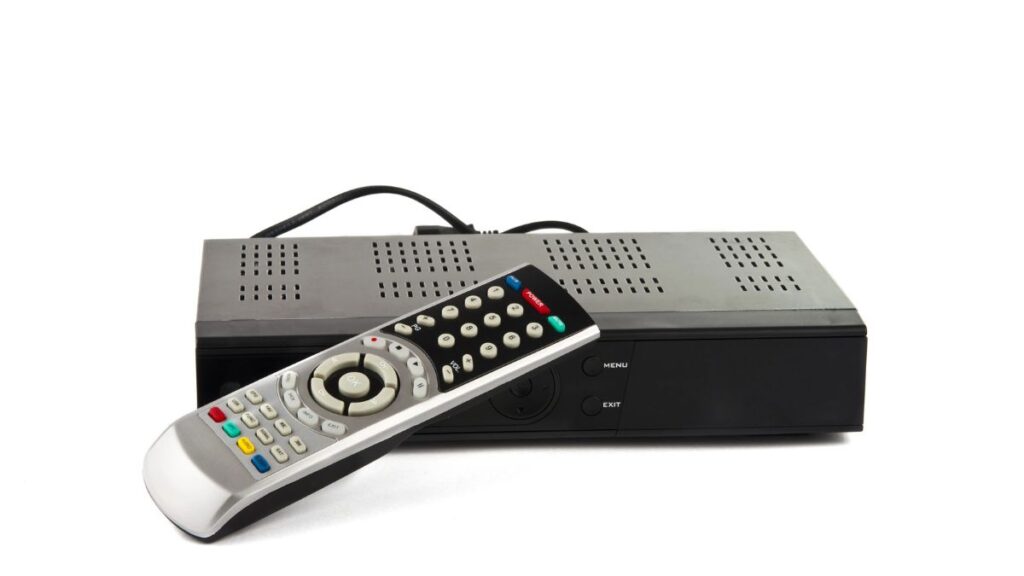
Cable and satellite boxes are notorious for their energy consumption, continuously drawing power to maintain connections and update programming. Unplugging these boxes during extended absences can result in noticeable savings on your electric bill.
Gaming Consoles
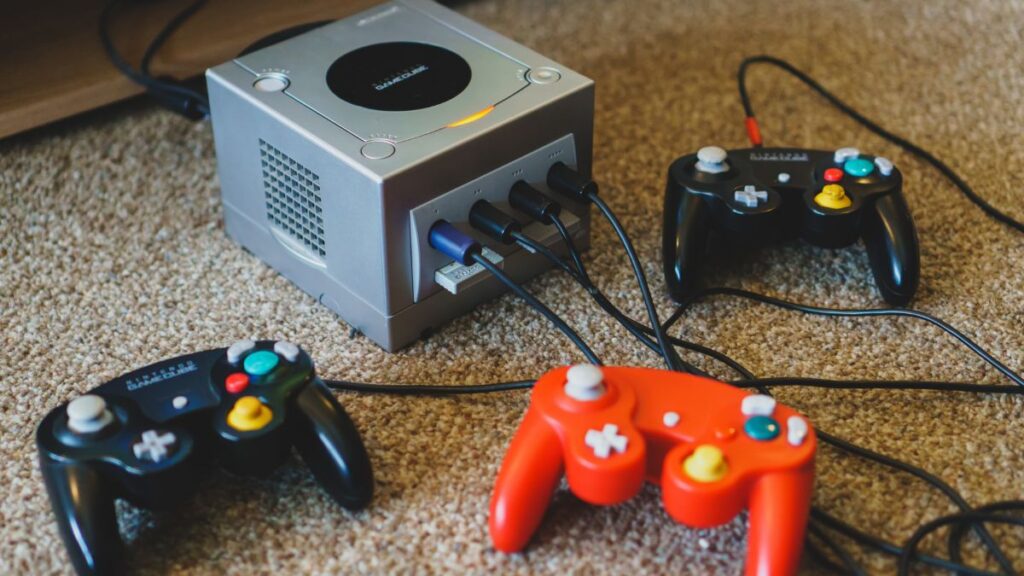
Gaming consoles, like PlayStation and Xbox, often stay in standby mode for quick access and updates, leading to higher power consumption. Unplugging your console or using a power strip to turn off multiple gaming accessories can help reduce your energy costs.
Home Theater Systems
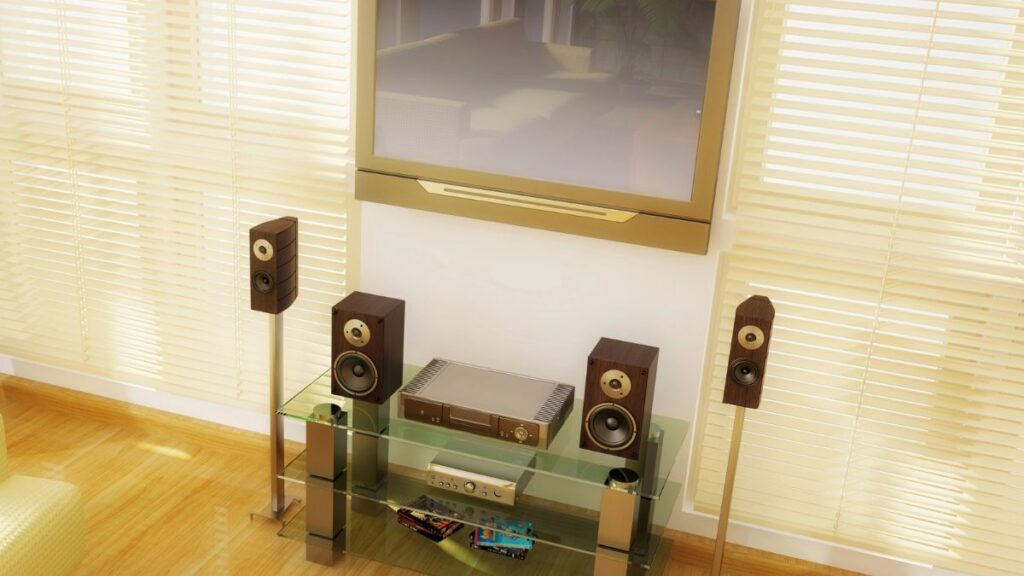
Home theater systems, including receivers and speakers, tend to remain in standby mode, using more power than you might expect. Unplugging these systems or using a power strip to turn them off can help lower your energy expenses.
Fans and Space Heaters
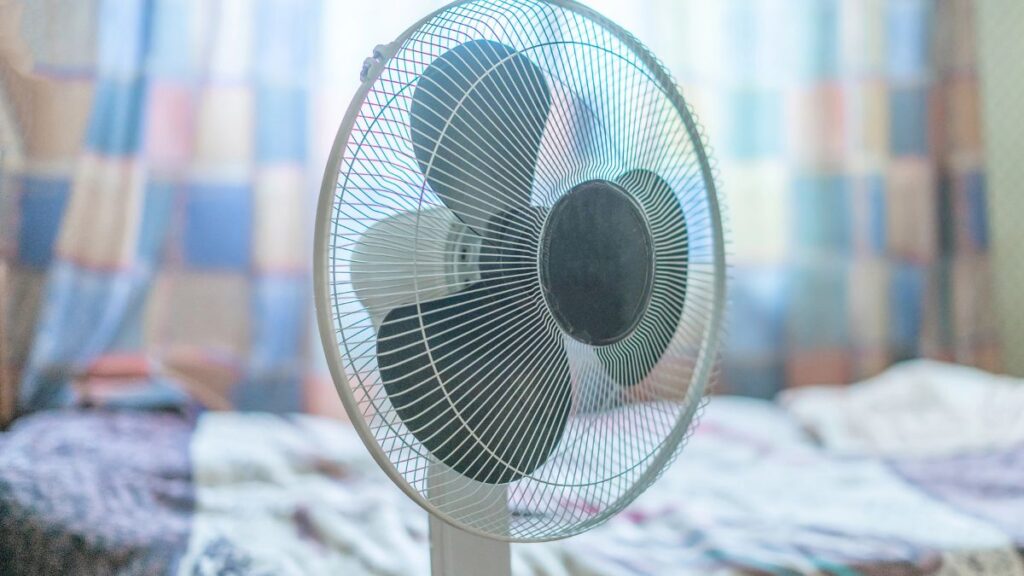
Fans and space heaters can use a significant amount of energy, especially if inadvertently left on. Unplugging these devices when not in use is a smart strategy to prevent unnecessary power draw. A power strip with an on/off switch can make managing these devices easier.
Portable Air Conditioners
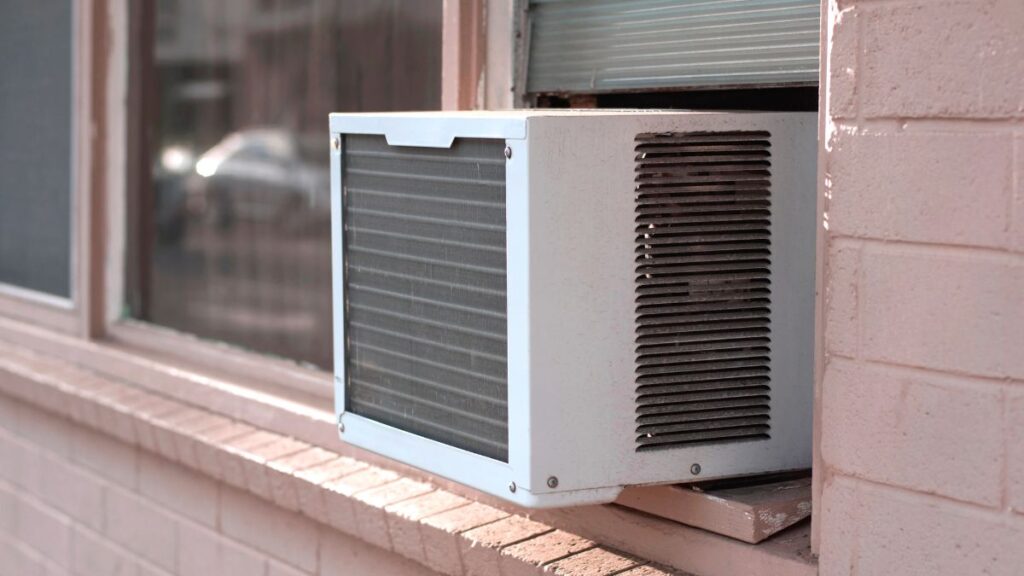
Portable air conditioners can be substantial energy consumers. Unplugging them when they’re not in use can help prevent phantom energy drain. If possible, plug them into a power strip for easy disconnection when they aren’t needed.
DVD Players
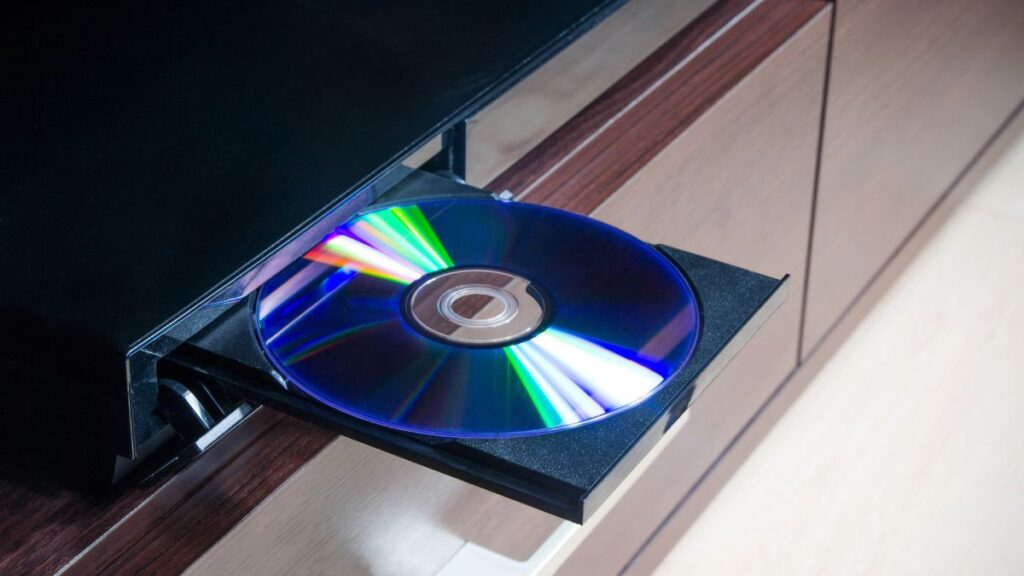
Even when turned off, DVD and Blu-ray players can draw power to maintain internal settings and clocks. Unplugging these devices when they’re not in use can help reduce your overall energy consumption. A power strip can help you conveniently manage multiple entertainment devices.
Smart Home Devices
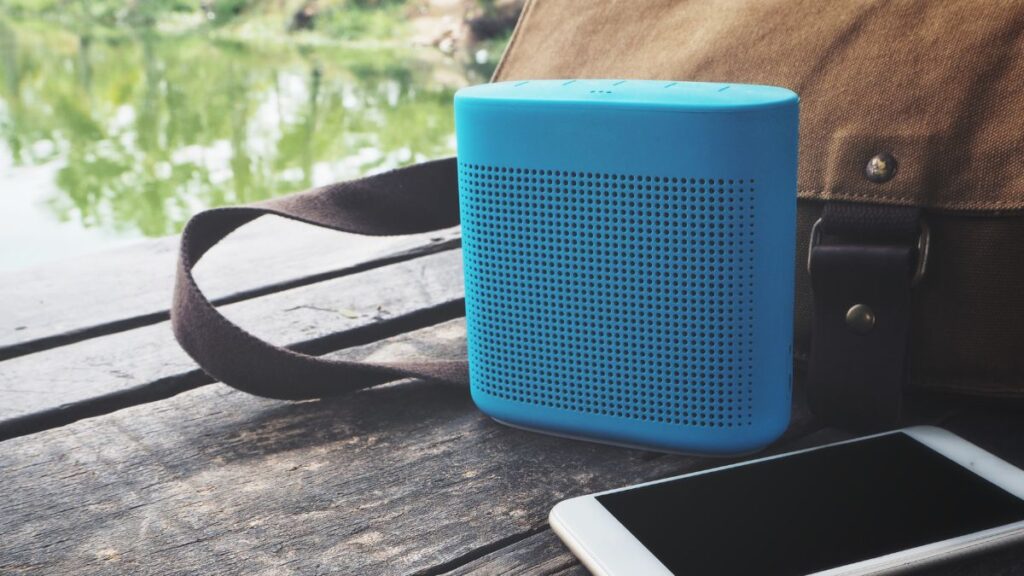
Smart home devices like speakers, thermostats, and lighting systems often stay on standby, waiting for commands or scheduled tasks. While they offer convenience, they also contribute to phantom energy use. Unplugging them when not needed can help save energy.
By being conscious of these devices and unplugging them when they’re not in use, you can effectively lower your energy consumption and save money on your electric bill.